
Protecting Pupil Images on School Websites in the Age of AI
Protecting pupil images on school websites in the age of AI
School photography can still communicate warmth, learning and community. The challenge is to be deliberate about what we publish, who can see it and how much identifying detail it needs to contain.
A good school photograph shows what it feels like to belong: an engaging lesson, a shared achievement or the relationship between pupils and staff.
For prospective families, these glimpses of everyday school life matter. But publicly available photographs can also be copied, shared and manipulated. AI tools make some forms of misuse easier, including the creation of abusive imagery.
Start with the purpose of the photograph. Then ask how much of a pupil’s identity needs to be visible to achieve it.
Why review pupil imagery now?
The UK Online Harms Early Warning Working Group’s image guidance for education settings asks schools to reconsider how photographs and videos are used across websites, social media and other digital spaces.
Permission to publish is part of the process. So are the purpose, audience, identifying details and length of time an image stays online.
Images can travel
A photograph on a public page can be copied and shared beyond its intended audience.
AI changes the risk
Images can be manipulated or used to create harmful material without the school’s or pupil’s involvement.
Details add up
A recognisable face, a name, a uniform badge or a location can reveal more together than each does alone.

Do schools have to stop showing pupils’ faces?
The guidance does not introduce a blanket ban on recognisable pupil photographs. It does ask schools to consider whether images of children are needed at all, and whether a less identifiable photograph could achieve the same purpose.
Each school still needs to apply its safeguarding arrangements, data-protection responsibilities and any restrictions affecting individual pupils. A public website may call for a different choice from a restricted parent communication.
Show the experience. Consider the identifying detail.
Faces are only one part of identification. Names in captions, badges, visible work, classroom displays and details elsewhere on the page also deserve attention.
A wider scene, an over-the-shoulder view or a close-up of an activity can tell a strong story with less emphasis on an individual. These are useful creative choices, but they do not automatically make a photograph anonymous.

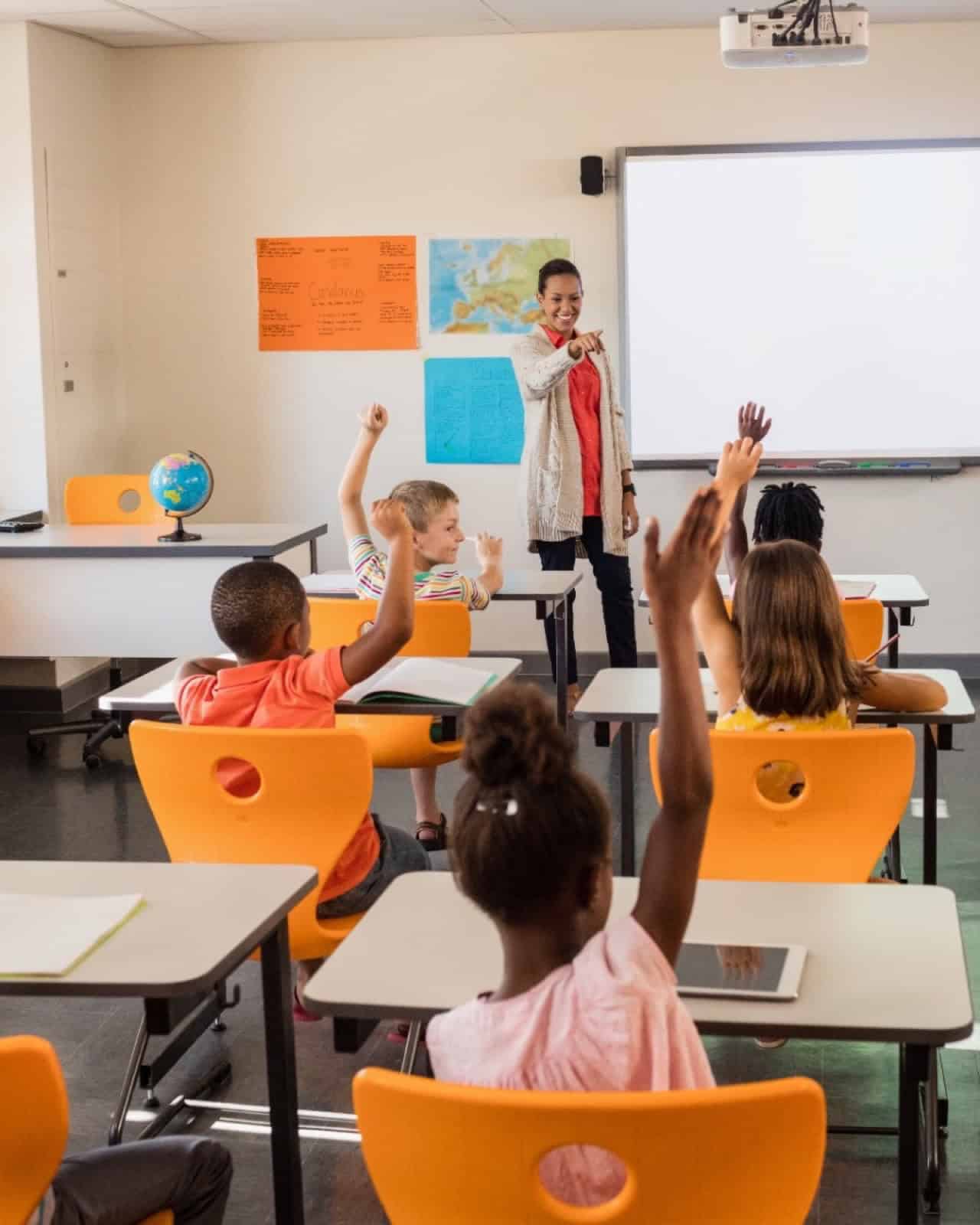
The people are the subject
A face-on group photograph makes the pupils easy to recognise. Consider whether that level of identification is necessary for its intended use.
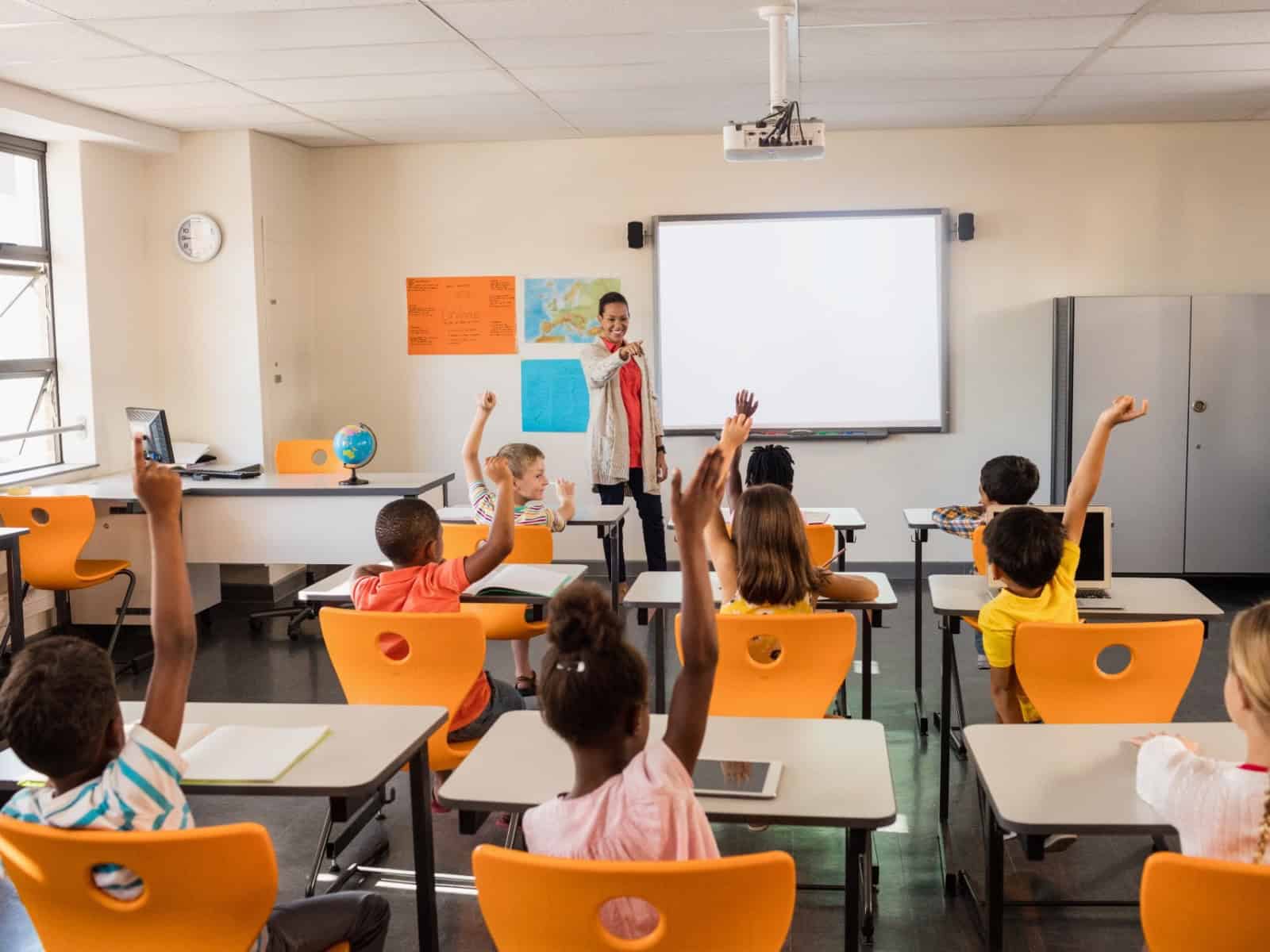
The learning takes the lead
The classroom, raised hands and interaction carry the story. Fewer faces are prominent, although some pupils may still be identifiable.
Review what is already online
Start with the homepage, About Us and curriculum pages, then look at older news, galleries, prospectuses and newsletters. Downloadable files can keep pupil images publicly available long after a page has been updated.
Questions for an image review
- Does this photograph still serve a clear purpose?
- Can a pupil be identified from the image or surrounding information?
- Are names, badges, displays or location details visible?
- Does this use match the school’s current permissions, lawful basis and safeguarding arrangements?
- Does it show pupils who have left, and should it now be replaced?
- Would a less identifiable image communicate the same thing?
- Are large originals or unnecessary metadata publicly accessible?
- Have older news pages, galleries and downloadable files been checked?
Keep a record of what was checked, the decisions made and who will act on them. Agree a regular review date so that old imagery does not remain online by default.

Plan the photography before the upload
Brief staff and photographers on the school’s image policy, the intended audience and any individual restrictions before a shoot.
- Wider classroom scenesInclude the learning environment and interaction.
- Over-the-shoulder perspectivesShow an activity with less emphasis on faces.
- Hands-on learningFocus on making, writing, experimenting and creating.
- Natural interactionCapture people working together; still check which faces and details are visible.
- Details and spacesUse equipment, artwork and environments where pupils do not need to appear. Check displays for names and personal information.
Check the file as well as the photograph
Photographs can contain metadata such as dates, device details and GPS coordinates. Remove unnecessary identifying metadata from public copies and check the actual files visitors can download.
Use appropriately sized website images. Resizing reduces the detail available in a copy, but does not prevent copying or AI manipulation. It should sit alongside thoughtful selection, access controls and regular review.
Ask your website provider
Check what happens between uploading a photograph and publishing it. A small image on screen does not necessarily mean the original file is inaccessible.
- Is identifying metadata removed from public versions?
- Can visitors access a full-resolution original?
- Do replaced images remain available at their old addresses?
- Do restrictions protect the files as well as the pages?
- Is there a consistent upload process for staff?
Keep permission and privacy arrangements clear
Tell parents, carers and pupils what images will be used for, where they will appear and how to raise concerns. Review those arrangements regularly and involve young people in decisions where they have the understanding and capacity to do so.
Permission and UK GDPR consent are not always the same thing. The ICO explains that schools may use another lawful basis for processing photographs while still offering an opportunity to opt out. The appropriate basis depends on the purpose and circumstances; it should be determined with the school’s data-protection lead.
Where consent is the lawful basis, it must be possible to withdraw it. Where another basis applies, the school should explain how objections and requests to stop using an image will be handled. See the ICO’s advice on school photographs.
Make a separate decision about social media
Social platforms encourage sharing and distribution. Consider whether an identifiable pupil photograph needs to appear on an open account, or whether the communication belongs in a restricted parent channel.
Restricted access can reduce exposure, but recipients may still copy or share content. Website and social media decisions should follow the same school policy, with the audience and purpose considered for each use.
If an image is misused
Follow the school’s safeguarding and incident-response procedures. The priority is the child’s safety and wellbeing, with a clear route for staff to report concerns.
Contact the safeguarding lead promptly
Inform the Designated Safeguarding Lead or equivalent and follow the school’s escalation procedure. Call 999 if a child is in immediate danger.
Get advice on handling evidence
Do not forward harmful material or create additional copies. Do not download, screenshot or save suspected sexual images of children. Seek police advice on handling material already received and preserving relevant evidence; staff should not investigate it themselves.
Reduce further exposure
Arrange for the original source photograph to be removed from public access, including direct file links where possible. Removing it will not retrieve copies already made elsewhere.
Report, record and support
Record the concern through the school’s procedures. Report blackmail or threats involving imagery to the police; do not engage with demands. The safeguarding lead should coordinate support, family communication and any further reporting.
For detailed handling guidance in England, see UKCIS advice for education settings. Use the relevant national and local procedures elsewhere in the UK. Childline and the IWF’s Report Remove service can help under-18s report sexual images of themselves online.
A thoughtful website can still feel human
Schools can celebrate learning, achievement and community while making careful choices about identification and public access. The useful starting point is a manageable review of the images already online, followed by a clearer process for future uploads.
Good photography has a purpose. Good website practice keeps that purpose under review.
Start with the image safety checklist
A practical starting point for reviewing imagery, identifying details, older content and the way photographs are published.
Turn the review into a practical action plan
Our Pupil Image & Website Review examines agreed areas of your public website, from current pages and older news to galleries and downloadable documents.
You receive a record of what was reviewed and prioritised recommendations for your school to consider, with clear next steps for updating content and improving future image use.
The review is a separate service from monthly website maintenance. If you would like help implementing agreed changes, we will confirm what is covered by your package and quote separately for additional work.