

Creating Posts For Facebook Marketing
Social Media / Practical Guide
Facebook image & video sizes. Without the guesswork.
A practical guide to creating Facebook content that works across feeds, profiles, Reels and link previews.
When we first wrote about Facebook image sizes in 2018, the advice was built around fixed desktop and mobile layouts.
Facebook now behaves much more like a collection of placements than one single canvas.
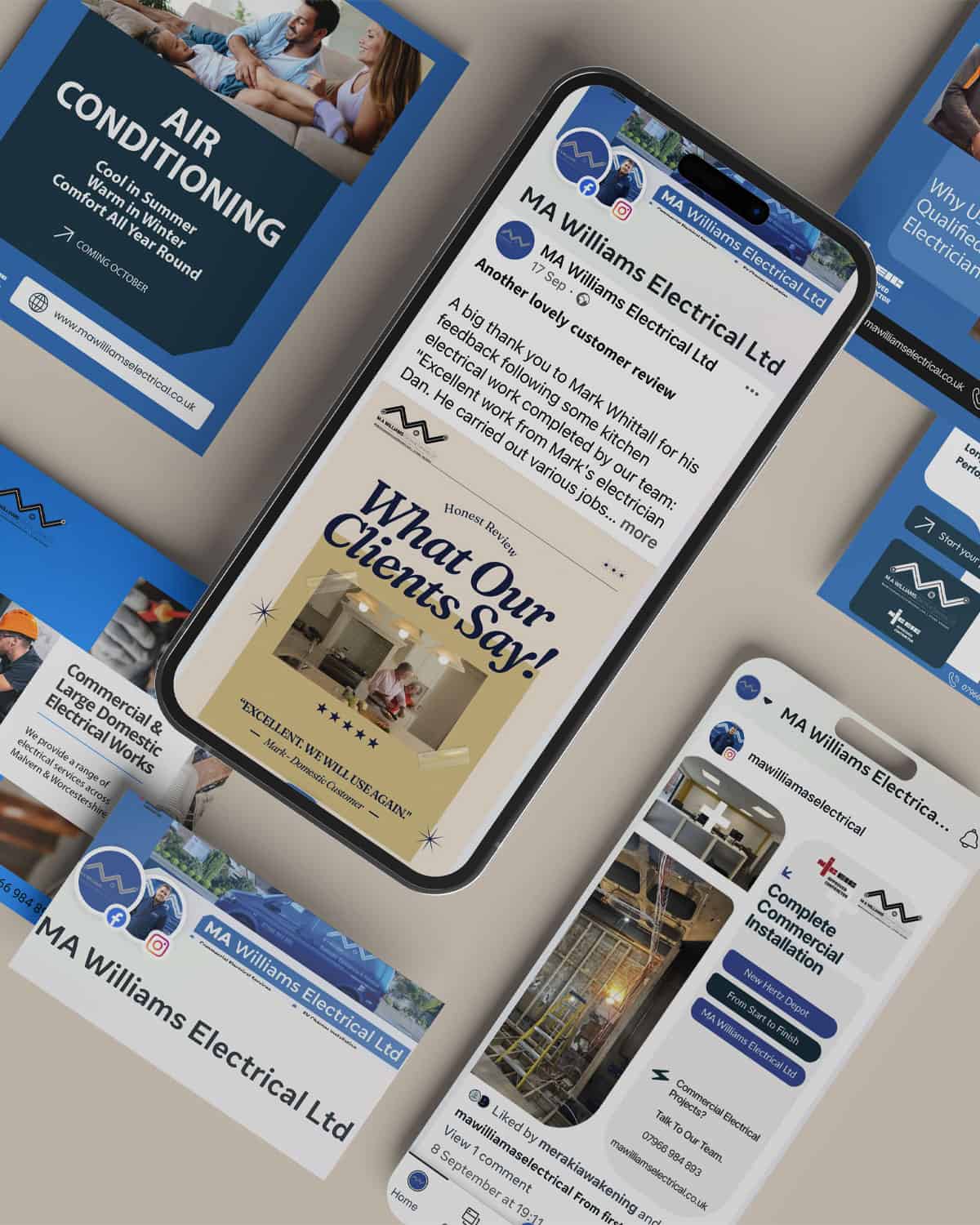
Facebook In 2026
Facebook is not one canvas.
A business can appear in the Feed, on its Page, inside Reels, through a shared website link and in other placements across Facebook.
The same piece of creative does not always behave the same way in each place.
That is why a useful Facebook sizing guide is less about memorising one perfect pixel dimension and more about understanding the shape and purpose of each placement.
Where Content Appears
Four useful Facebook placements to think about.
Feed
Photographs, graphics, updates and shared links viewed while people scroll.
Page
Your profile image, cover, business information and recent activity.
Reels
Vertical-first video designed for a mobile, full-screen viewing experience.
Link previews
The image, title and description Facebook may generate when a website page is shared.
Your Business
Clear profile image. Useful cover. Current business information.
Profile & Cover
Think about recognition before decoration.
Your profile image appears small in many parts of Facebook, so a simple logo or recognisable brand mark usually works better than an image containing lots of detail.
Facebook displays profile images as circles in many placements. Keep important parts of the logo comfortably inside the centre.
Your cover image gives you more space, but different devices may show slightly different crops. Avoid placing critical text or contact details at the extreme edges.
The cover should support the Page — not try to replace the entire website.
Feed Formats
Four useful shapes cover most everyday Facebook content.
You do not need to create every possible variation. A small set of flexible formats is usually enough.
Square
1:1Useful for flexible campaign graphics, testimonials and content that may also be reused on other platforms.
Portrait
4:5A strong feed format because it gives imagery more vertical space on a mobile screen.
Landscape
16:9 / 1.91:1Useful when the photograph, video or subject genuinely benefits from width.
Reel
9:16The full-screen vertical format to design around when creating Facebook Reels.
Which Format?
Let the content decide.
Good for reusable graphics and simple centred compositions.
A strong everyday choice when you want an image or graphic to occupy more of the mobile feed.
Best when the subject actually needs horizontal space, rather than simply because the original photograph was wide.
Use for Reels and vertical-first video where the screen itself becomes the canvas.
Facebook Video
Think vertically when you're creating Reels.
Facebook has been moving video towards a Reels-first experience, so the old idea of treating every video as a standard 16:9 upload is no longer the best starting point.
For vertical video, 9:16 gives you the full mobile canvas.
Keep faces, logos, captions and calls to action away from the extreme edges because interface controls can occupy parts of the screen.
Landscape video can still make sense when the subject genuinely needs width — but the format should follow the content.
A useful website page title
A short description that helps people understand what they are about to open.
Website Links
The preview is often coming from your website.
When someone shares a web page on Facebook, the platform may generate a preview using information supplied by that page.
That means the quality of the preview is not only a Facebook issue. Your website's page title, description and social-sharing image all matter.
A useful general-purpose social-sharing image is usually a wide 1.91:1 composition, often created at around 1200 × 630 px.
Keep important elements away from the very edges so the image remains useful if a platform crops or resizes it.
More Important Than Pixels
What should a business actually post?
Correct sizing helps presentation. It does not make the post useful.
Show the work
Projects, installations, transformations and real examples give people something tangible to understand.
Build trust
Testimonials, team stories, reviews and behind-the-scenes content help make the business feel real.
Be useful
Answer common questions, explain a process or help somebody make a better decision.
Stay current
Recent posts reassure people that the business is active, responsive and still doing the work.
For Local Businesses
Facebook can still be a useful trust layer.
It does not always need to be the place where somebody first discovers you.
A potential customer may find the business through Google, a recommendation, Instagram or the website — and then look at Facebook to see whether the business appears active and credible.
Recent work
Show that the business is actively completing projects.
Reviews & proof
Give people evidence from real customers.
Useful information
Answer the questions people may have before getting in touch.
Current presence
Avoid the impression of a Page that has been abandoned for three years.
Create Once. Adapt Properly.
Facebook and Instagram can share the idea — not always the file.
Meta makes it easy to publish across Facebook and Instagram, but that does not mean every creative asset should be identical.
Build the core idea once, then adapt it to a small number of useful formats.
Before You Post
A quick Facebook content check.
Is the format right for the placement?
Feed, Page, Reel and link preview are not the same canvas.
Can the important information survive a crop?
Keep faces, logos and essential text away from vulnerable edges.
Is the text readable on a phone?
A graphic that looks fine on a large monitor can become tiny in the feed.
Does it need to be a designed graphic?
A strong photograph or short video can often communicate more naturally.
Is there a reason for someone to care?
The dimensions help presentation. The idea still has to earn attention.
Design for the placement. Create for the audience.
Social Media Support
Keep the channels useful — and manageable.
WH Collective helps small businesses plan, create and manage social content without feeling they need to spend every day feeding a platform.
That can include Facebook, Instagram, Google Business, LinkedIn and other channels where they make sense.
Need Consistent Content?
Start with what you're trying to communicate.
Tell us about the business, the audience and what you want people to understand. We can help work out which channels and formats actually make sense.